
DNS Lookup
Last updated:
Check the public DNS records for any domain or hostname. Review web targets, mail routing, SPF, CAA, and the raw A, AAAA, CNAME, MX, TXT, NS, SOA, and SRV answers.
Paste a website URL, hit the button, and check the DNS records:
Security findings like these are what we monitor daily.
Our maintenance plans keep an eye on SSL, headers, DNS, uptime, and backups so you never have to think about it. From $49/mo.
All good, today. Who’s watching tomorrow?
Sites drift: certificates expire, DNS changes, software ages. Our maintenance plans watch it all, from $49/mo.
Want us to act on this result? Fix these findings →
Prefer the partnership route? Refer clients to us, earn 10% →
How the Online DNS Lookup Works
This tool queries public DNS resolvers and returns the live records for any domain you enter. Here's the process:
- Enter a domain, type or paste any domain name. The tool strips protocols and paths automatically, so pasting a full URL works too.
- DNS query, the checker runs lookups across all major record types (A, AAAA, CNAME, MX, TXT, NS, SOA, SRV, CAA) in parallel.
- Results, records are grouped by type with full details: values, TTLs, priorities, targets. Everything a DNS panel would show you, without logging in.
DNS Record Types Explained
Not sure what the records in your results mean? Here's a quick reference:
- A, points a domain to an IPv4 address. This is how browsers find your website's server.
- AAAA, same as A, but for IPv6 addresses.
- CNAME, an alias that points one domain to another (e.g.,
www→ root domain). - MX, mail exchange records. These tell the internet where to deliver emails for your domain.
- TXT, text records used for verification, SPF, DKIM, DMARC, and other domain ownership proofs.
- NS, nameserver records. They define which DNS provider manages your domain's zone.
- SOA, start of authority. Contains zone metadata like serial number, refresh intervals, and the primary nameserver.
- SRV, service records for specific protocols (like VoIP, XMPP, or Microsoft 365 autodiscover).
- CAA, certificate authority authorization. Controls which SSL certificate providers are allowed to issue certificates for your domain.
When to Run a DNS Lookup
DNS lookups aren't just for sysadmins. Here are the most common situations where checking DNS records saves time:
- After a website migration, switched hosts or moved to a new platform? Verify that A records, CNAME, and nameservers are pointing to the right place. DNS misconfiguration is the #1 reason new sites don't load after a migration.
- Email delivery problems, emails landing in spam or not arriving at all? Check your MX, SPF, DKIM, and DMARC records. A missing or misconfigured TXT record is usually the culprit. For a deeper diagnosis, use the Email Deliverability Checker which validates SPF, DKIM, and DMARC automatically.
- SSL certificate issues, if HTTPS isn't working, CAA records might be blocking your certificate provider. A quick lookup tells you exactly what's set.
- Verifying DNS propagation, made a change and not sure if it's live? Run a lookup to see what the public internet currently resolves for your domain. You can also check domain registration details and expiry dates with the WHOIS Domain Lookup.
If you're doing a full site health check, pair this with the Robots.txt Tester and Sitemap Validator to cover both DNS and SEO basics in one pass. For HTTPS issues, the SSL Certificate Checker will show exactly what your certificate covers and when it expires.
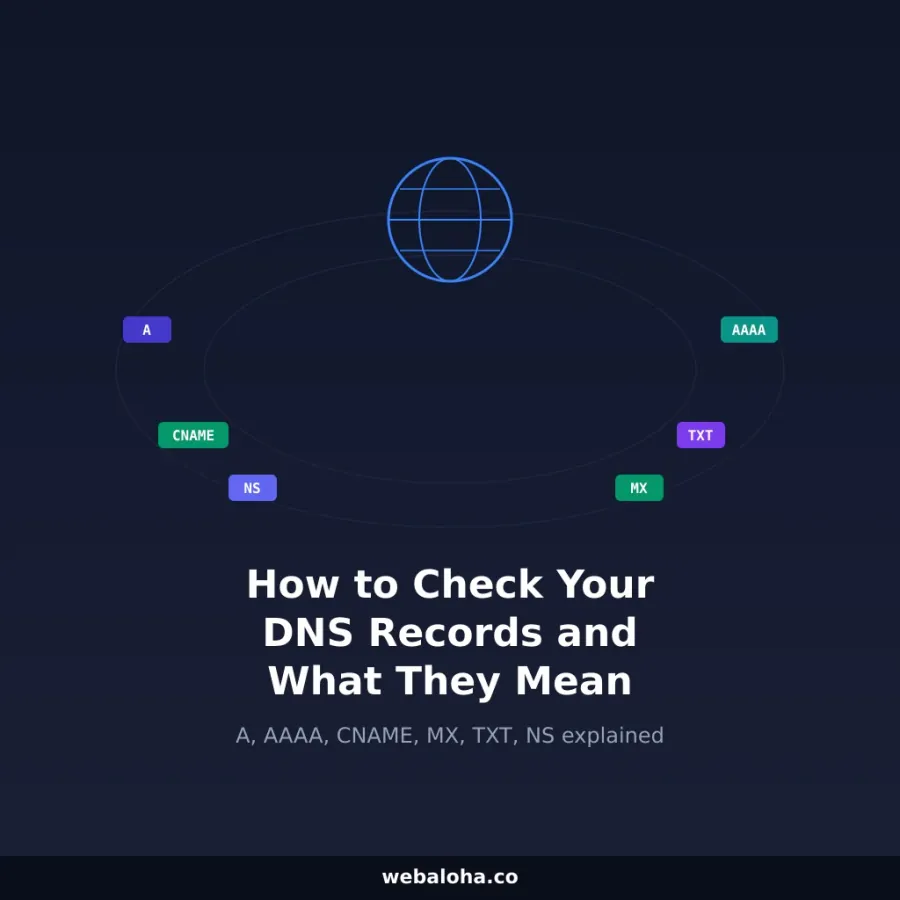
Want to understand what each DNS record type means and how they work together? Our guide on how to check your website's DNS records explains A, AAAA, CNAME, MX, TXT, and NS records with real-world examples and troubleshooting tips.
Next steps
DNS Lookup Tool related tools and articles
Continue with the closest follow-up checks and guides based on this tool's topic, crawl intent, and optimization workflow.




DNS Lookup Tool: FAQ
Which DNS records does this lookup request?
Why are TTL values shown for A and AAAA but not every type?
Can I enter a full URL or a subdomain?
Why can this result differ from my DNS provider or another resolver?
What does No DNS records returned mean?
Why might a recent DNS change still show the old value?
What should I check after finding an unexpected record?
What data is retained during a DNS lookup?
Free 48-Hour Website Audit
Not sure what to fix first on your own website? We'll review it and tell you, in plain English. Free & non-obligatory.
Need Help With Your DNS Setup?
We help small-to-medium businesses configure domains, DNS, email routing, and more.