
Internal Link Checker & Analyzer
Last updated:
Crawl up to 100 public pages, compare your sitemap or URL list, and export a CSV with linking pages, anchor text, depth, and orphan candidates.
After any starting redirect, the crawl stays on the final hostname and checks up to 100 HTML pages.
Find orphan candidates: add a sitemap or URL list
Optional. Compare up to 1,000 same-host URLs against the link crawl. Unlinked inventory pages are candidates for review; they are not verified whole-site orphans.
Up to five XML files, including sitemap-index children. JavaScript-only links and other hosts are outside the crawl.
Found issues? That’s exactly what our SEO audit fixes.
Our SEO Audit + Essentials package ($555, one-time) finds and fixes exactly these kinds of problems, with a prioritized plan in plain English.
Looks clean here. How is the rest of your SEO?
One passing check doesn’t make a ranking strategy. We audit the full picture: content, technical SEO, internal links, and search intent.
Want us to act on this result? Fix these findings →
Prefer the partnership route? Refer clients to us, earn 10% →
How the Internal Link Analyzer Works
This tool follows links from the submitted page and builds a bounded crawl sample of your internal link structure:
- Enter your URL, the crawler starts from your homepage (or any page you specify) and follows internal links in a breadth-first pattern, discovering pages layer by layer.
- Multi-page crawl, up to 100 pages are crawled with 4 concurrent workers. Each returned HTML page is reviewed for internal links, external links, anchor text, and nofollow attributes.
- Link mapping, up to 25,000 internal link occurrences are recorded with source page, target page, and anchor text. The evidence view and link CSV contain up to 2,000 occurrences, with a 600 KB limit; any truncation is shown. The tool then calculates inbound and outbound link counts for each discovered page.
- Review cues, orphan candidates from your supplied inventory, pages with one linking source and depth 4+ pages are flagged for manual review. They are not universal SEO errors.
- Review and filter, use the filter buttons to focus on specific issues. Select a page to inspect inbound and outbound source-to-target evidence, anchor text, nofollow and HTML placement. Download page summaries or a separate links CSV. Review individual crawl outcomes for failed requests, redirects and observed canonical/noindex directives.
Why Internal Links Matter for SEO
Internal linking is one of the most controllable and impactful SEO factors:
- Link equity distribution, internal links pass PageRank between your pages. A well-linked page receives more authority and has a better chance of ranking. Pages with few or no internal links receive almost no authority.
- Crawl path optimization, search engines discover pages by following links. If a page is buried 5+ clicks from the homepage, it may be crawled infrequently or not at all. Flattening your site structure ensures important pages are found quickly.
- Topical relevance signals, when you link related pages together with descriptive anchor text, you create topical clusters that help search engines understand what each page is about and how topics relate to each other.
- User journeys, relevant internal links help visitors continue to supporting information, comparisons, proof and next steps without searching the site again.
- Machine discovery, clear crawl paths can help link-following systems find related public pages, but this report cannot predict rankings or AI citations.
After analyzing your internal links, use our Broken Link Checker to find dead links, the Heading Checker to ensure your content structure supports your linking strategy, and the Sitemap Validator to confirm all pages (including any newly discovered orphans) are referenced for crawlers. You can also run the Duplicate Content Checker to verify thinly-linked pages aren't causing duplication issues.
A real report: Web Aloha, 5 September 2026
Starting at our homepage, the 5 September version of the analyzer crawled 100 HTML pages and compared 187 sitemap URLs. It found no orphan candidates in that sample. The page limit was reached, so this is not a complete site audit.
| Page | Occurrences | Linking pages | In content |
|---|---|---|---|
| Astro design service | 320 | 99 | 16 |
| WordPress migration service | 336 | 99 | 15 |
| Technical SEO audit guide | 13 | 10 | 10 |
What we learned: repeated navigation links made the commercial pages look heavily linked. Far fewer source pages linked from main content. Review useful article-to-service connections before adding more navigation links.
“In content” uses HTML location, including shared content sections; it does not certify editorial relevance. Counts exclude self-links and can change after a release.
Download the dated example CSV or follow the worked internal-link review.
Internal Linking Best Practices
Follow these guidelines to build a strong internal link structure:
- Use descriptive anchor text, avoid "click here" or "read more." Use the target page's primary keyword or a natural variation. This helps search engines understand what the linked page is about.
- Link from high-authority pages, your homepage and main category pages have the most link equity. Linking from these to important content pages passes maximum authority.
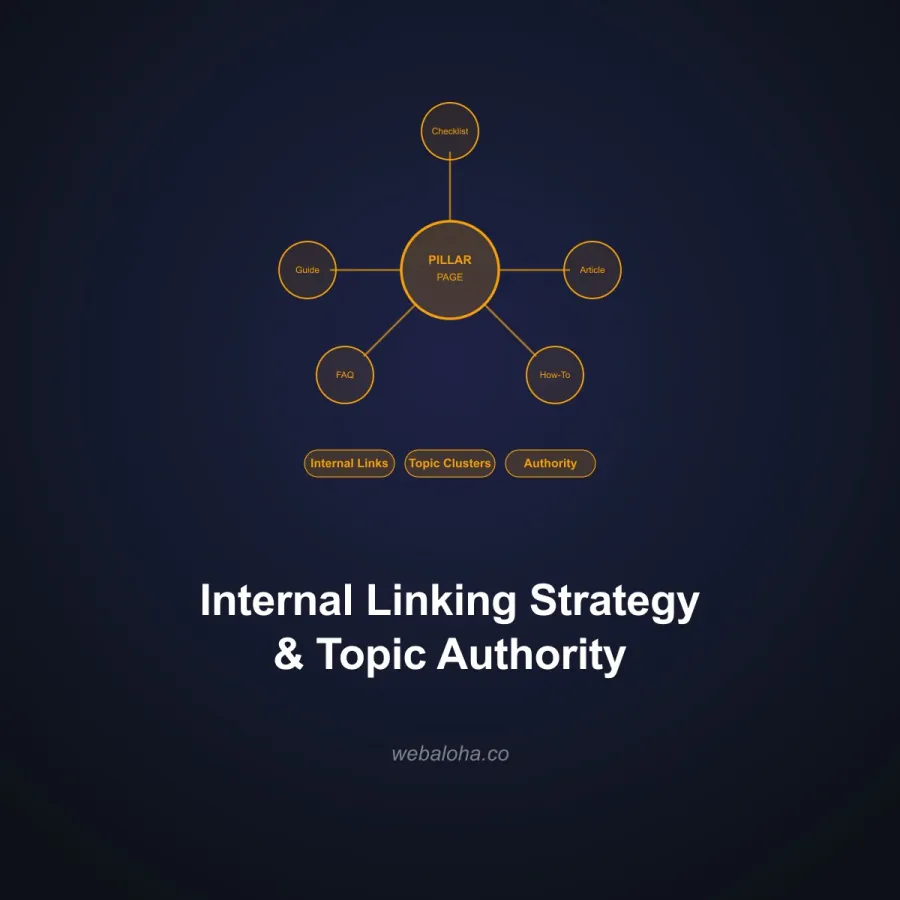
- Create topic clusters, group related content around pillar pages. Each pillar page links to subtopic pages, and subtopic pages link back. This creates a clear topical hierarchy.
- Investigate zero-inbound results, compare them with your sitemap, CMS inventory, analytics and GSC. A link-only crawl cannot discover a truly unlinked URL by itself.
- Review important deep pages, depth is a navigation clue rather than a universal ranking threshold. Add a higher-level link when it genuinely helps discovery and users.
- Audit after structural changes, rerun the same starting URL and crawl limit after migrations, navigation updates or large content releases so the comparison is meaningful.
For comprehensive SEO optimization including internal linking strategy, explore our SEO services and GEO guide.
Next steps
Internal Link Analyzer related tools and articles
Continue with the closest follow-up checks and guides based on this tool's topic, crawl intent, and optimization workflow.


Internal Link Analyzer: FAQ
What does this analyzer crawl?
What does crawl depth mean in this report?
Are the reported orphan pages true site-wide orphans?
What is a thinly linked page?
Are repeated links counted separately?
What content can the crawler miss?
How should I act on the results?
What data is sent during the crawl?
Free 48-Hour Website Audit
Not sure what to fix first on your own website? We'll review it and tell you, in plain English. Free & non-obligatory.
Need Help with Internal Linking?
We audit internal link structures, build coherent topic clusters and make important pages easier for people and crawlers to discover.