
Meta Tag Checker
Last updated:
Check any webpage's SEO meta tags, title, description, canonical, robots, viewport, H1, and more. See how your page looks in Google and catch issues before they hurt your rankings.
Enter a URL to check its meta tags:
Found issues? That’s exactly what our SEO audit fixes.
Our SEO Audit + Essentials package ($555, one-time) finds and fixes exactly these kinds of problems, with a prioritized plan in plain English.
Looks clean here. How is the rest of your SEO?
One passing check doesn’t make a ranking strategy. We audit the full picture: content, technical SEO, internal links, and search intent.
Want us to act on this result? Fix these findings →
Prefer the partnership route? Refer clients to us, earn 10% →
How the Meta Tag Checker Works
This tool fetches a webpage and extracts every SEO-relevant meta tag. Here's the process:
- Enter a URL, paste any page address. The tool fetches the HTML just like Googlebot would.
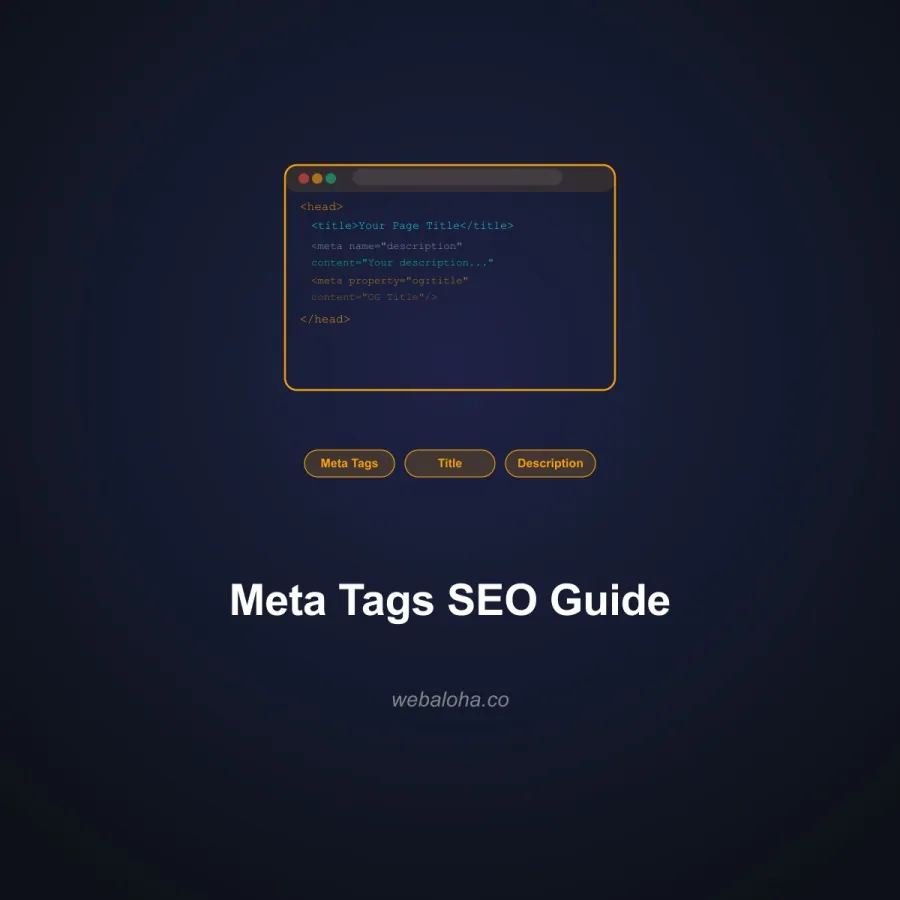
- Tag extraction, it reads the title tag, meta description, canonical, robots, viewport, charset, lang, favicon, generator, H1 heading, and Open Graph basics.
- Length analysis, title and description lengths are checked against Google's recommended character limits with visual length bars.
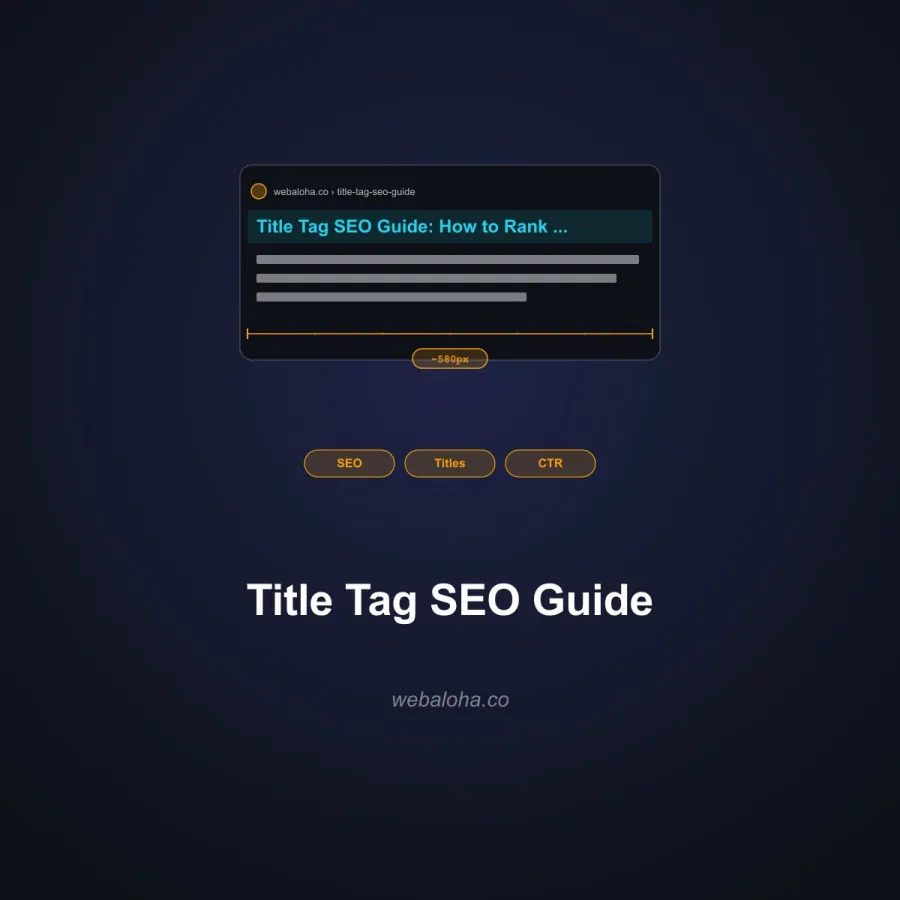
- SERP preview, see an approximate desktop-style preview. Google may rewrite or truncate titles and descriptions.
- Issue detection, missing tags, multiple H1s, short descriptions, and other common problems are flagged.
Why Meta Tags Matter for SEO
Meta tags are the foundation of how search engines interpret and display your pages. Here's what's at stake:
- Search snippets, titles and descriptions can influence how a result is presented, although Google may rewrite either field and clicks depend on relevance, position, brand, and query.
- Indexing control, the robots meta tag and canonical tag determine which pages get indexed and which URL version Google treats as primary.
- Mobile experience, the viewport tag ensures proper rendering on phones and tablets. Missing it tanks your mobile usability.
- Duplicate content, canonical tags prevent SEO dilution when the same content is accessible at multiple URLs.
- Machine-readable context, clean metadata gives crawlers concise page information. It does not guarantee a ranking or citation, but it belongs in a sound SEO and GEO foundation.
For a complete SEO check, pair this with the Schema Markup Validator, Open Graph Checker, and Robots.txt Tester. Preview how your title and description may look in Google with the SERP Preview Simulator. Pre-check technical blockers with the Google Index Checker, then use Search Console URL Inspection for Google's index status. New to this? Our guide to meta tags that actually matter for SEO explains each tag in plain English.
Essential Meta Tags Checklist
Every page on your website should have these tags properly configured:
<title>, 50–60 characters, includes primary keyword, unique per page.meta description, 120–160 characters, compelling copy with a call to action.canonical, self-referencing URL pointing to the preferred version of the page.robots, set explicitly on pages you want to noindex. Omit or set toindex, followfor normal pages.viewport,width=device-width, initial-scale=1for proper mobile rendering.charset,utf-8for universal character support.lang, set on the<html>element (e.g.,en) for accessibility and localization.H1, one per page, matches the topic, closely related to the title tag.
These basics, combined with proper SEO strategy, form the technical foundation of every well-optimized page.
Next steps
Meta Tag Checker related tools and articles
Continue with the closest follow-up checks and guides based on this tool's topic, crawl intent, and optimization workflow.
Meta Tag Checker: FAQ
What does the checker inspect?
How should I interpret title and description length warnings?
Does a clean result prove the page is indexable?
What does the canonical result tell me?
Is more than one H1 always an SEO error?
Why can the checker miss tags visible in DevTools?
Does it validate social preview images or hreflang pairs?
What data is sent during a meta tag check?
Free 48-Hour Website Audit
Not sure what to fix first on your own website? We'll review it and tell you, in plain English. Free & non-obligatory.
Need Help Optimizing Your Meta Tags?
We help businesses craft meta tags that rank higher and get more clicks.