
Pairwise Duplicate Content Checker
Last updated:
Compare exactly two pages, two pasted texts, or a draft against one live URL. This pairwise website duplicate content checker is not a web-wide plagiarism search; use the sitewide finder for clusters across many URLs.
Found issues? That’s exactly what our SEO audit fixes.
Our SEO Audit + Essentials package ($555, one-time) finds and fixes exactly these kinds of problems, with a prioritized plan in plain English.
Looks clean here. How is the rest of your SEO?
One passing check doesn’t make a ranking strategy. We audit the full picture: content, technical SEO, internal links, and search intent.
Want us to act on this result? Fix these findings →
Prefer the partnership route? Refer clients to us, earn 10% →
How the Duplicate Content Checker Works
This tool uses text comparison algorithms to measure how similar two pieces of content are:
- Choose your input mode, compare two text blocks, two URLs, or a text against a URL. Text comparison runs entirely in your browser with zero server calls.
- Content extraction, URL mode accepts successful HTML, prefers semantic main or article content, and removes common navigation, interface, hidden, and consent elements. It does not execute page JavaScript.
- Repetition-aware comparison, Unicode-normalized words become overlapping three-word sequences. Weighted Jaccard counts repeated occurrences, so duplicated blocks are not collapsed into a set.
- Directional coverage, the checker reports the share of words in A covered by sequences in B and vice versa. This reveals a short page reused inside a longer one.
- Passage review, see matched words, repeated sequence counts, the longest exact consecutive passage, sample warnings, and separately labeled sentence candidates. No single metric decides whether two pages need an SEO change.
When Reused or Near-Duplicate Content Needs Review
Similar content is not automatically an SEO violation. Google says some duplication is normal and is not a spam-policy violation; its systems generally cluster duplicate URLs and choose a representative canonical. Review matters when the URL setup or page purpose becomes unclear.
- Canonical ambiguity, multiple URLs with the same primary content can leave Google to select a different representative URL than the one you prefer.
- Fragmented reporting, equivalent URLs can make performance measurement harder unless signals are consolidated on a preferred version.
- Unnecessary crawling at scale, duplicate URL inventories can consume crawling time, although Google’s crawl-budget guidance is mainly relevant to very large or rapidly changing sites.
- Unclear user value, two pages intended to remain searchable should each have a clear purpose and sufficiently distinct, useful primary content.
Sources: Google Search Central’s canonicalization documentation, duplicate-URL consolidation guidance, and crawl-budget guidance.
After identifying duplicate content, use canonical URL tags to consolidate duplicates, redirects to remove old URLs, and meta tags to add noindex where needed. Also check the Internal Link Analyzer to see if orphan pages are accidentally creating duplication issues, and use the Website Word Counter to compare content depth between suspected duplicate pages.
How to Fix Duplicate Content
Once you identify duplication, here are the most effective fixes:
- Canonical tags, add
<link rel="canonical">to point duplicate pages to the preferred version. This is the most common and least disruptive fix. Inspect canonical tags with our Canonical URL Checker. - 301 redirects, permanently redirect duplicate URLs to the canonical version. Best for pages that should no longer exist as separate URLs. Test redirects with our Redirect Checker.
- Noindex tags, add a meta robots noindex tag to pages that should exist but not appear in search results (filtered views, print versions, tag pages).
- Content differentiation, when both pages must remain independently searchable, give each a clear intent, distinct primary information, and useful supporting detail. There is no universal “safe” similarity percentage.
- URL parameter control, prevent unnecessary parameter variants through stable internal links, canonicals, sitemaps, and—where crawling truly must be blocked—careful robots.txt rules. Google retired Search Console’s URL Parameters tool in 2022.
- Hreflang for regional or language variants, use hreflang annotations and keep the canonical in the same language where possible.
Google’s archived announcement confirms the Search Console URL Parameters tool was deprecated.
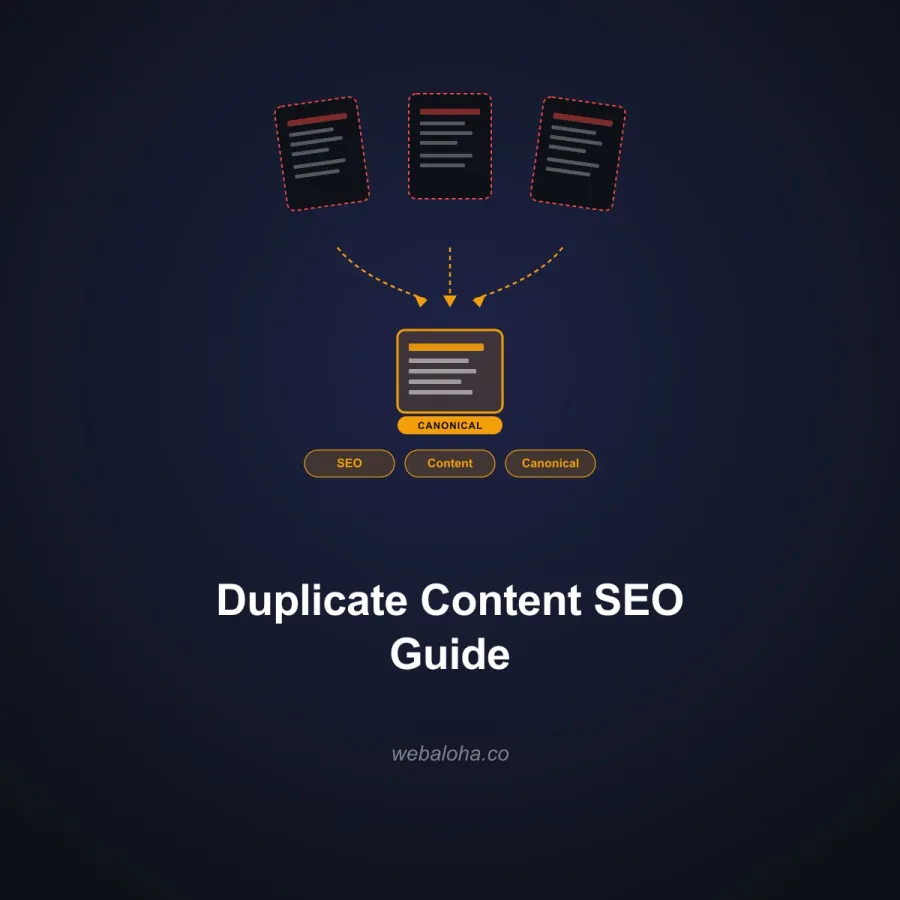
For a comprehensive approach to content quality and search visibility, explore our SEO services, our duplicate content SEO guide, and GEO guide.
Next steps
Duplicate Content Checker related tools and articles
Continue with the closest follow-up checks and guides based on this tool's topic, crawl intent, and optimization workflow.
Duplicate Content Checker: FAQ
How is the overall similarity percentage calculated?
What do “A found in B” and “B found in A” mean?
How are highlighted matching sentences chosen?
What is the difference between the three input modes?
How should I interpret the score bands?
What content is extracted from a URL?
Why can the score be misleading for short or templated pages?
What should I do when important pages have high similarity?
What data leaves my browser in each comparison mode?
Free 48-Hour Website Audit
Not sure what to fix first on your own website? We'll review it and tell you, in plain English. Free & non-obligatory.
Need Help with Content Strategy?
We help businesses audit content, fix duplication, and build SEO strategies that rank.