
Core Web Vitals Checker Tool Online
Last updated:
Request PageSpeed Insights data for a public URL. Compare real-user LCP, INP and CLS when available with separate Lighthouse lab diagnostics.
Enter a URL to check Core Web Vitals:
We fix this
Slow site? Turn the finding into a measured fix.
The site you are on right now is built for speed (feel free to click around). We do the same for client sites: Core Web Vitals, caching, code cleanup.
Decent speed. Want “instant”?
This site is engineered for quick navigation. We measure client bottlenecks, implement the appropriate fixes, and verify the result on the real stack.
More options Send us this result or get a copy by email
How the Core Web Vitals Checker Works
This tool sends your URL to Google PageSpeed Insights, then separates real-user field data from Lighthouse lab measurements.
- URL validation, the API normalizes the address and checks that the host is public before making a request.
- PageSpeed Insights fetch, Google runs a mobile or desktop performance audit and returns CrUX plus Lighthouse data.
- Field metrics, the page-level CrUX values show LCP, INP, CLS, FCP, and TTFB when enough visitor data exists.
- Lab metrics, Lighthouse provides a controlled test with performance score, LCP, FCP, TBT, CLS, Speed Index, and server response time.
Why Core Web Vitals Matter
Core Web Vitals connect technical performance to user experience, SEO, and conversion quality.
- Search visibility, Google uses page experience signals as part of ranking quality.
- Conversion rate, faster loading and smoother interaction reduce abandonment on mobile.
- Evidence for improvements, field and lab results help prioritize performance work. They do not establish AI citation eligibility or trust.
- Competitive diagnosis, this tool focuses on Core Web Vitals while our Website Performance Checker audits headers, compression, TTFB, and HTML patterns, and the Page Weight Checker estimates known transfer bytes for sampled resources.
Core Web Vitals Thresholds
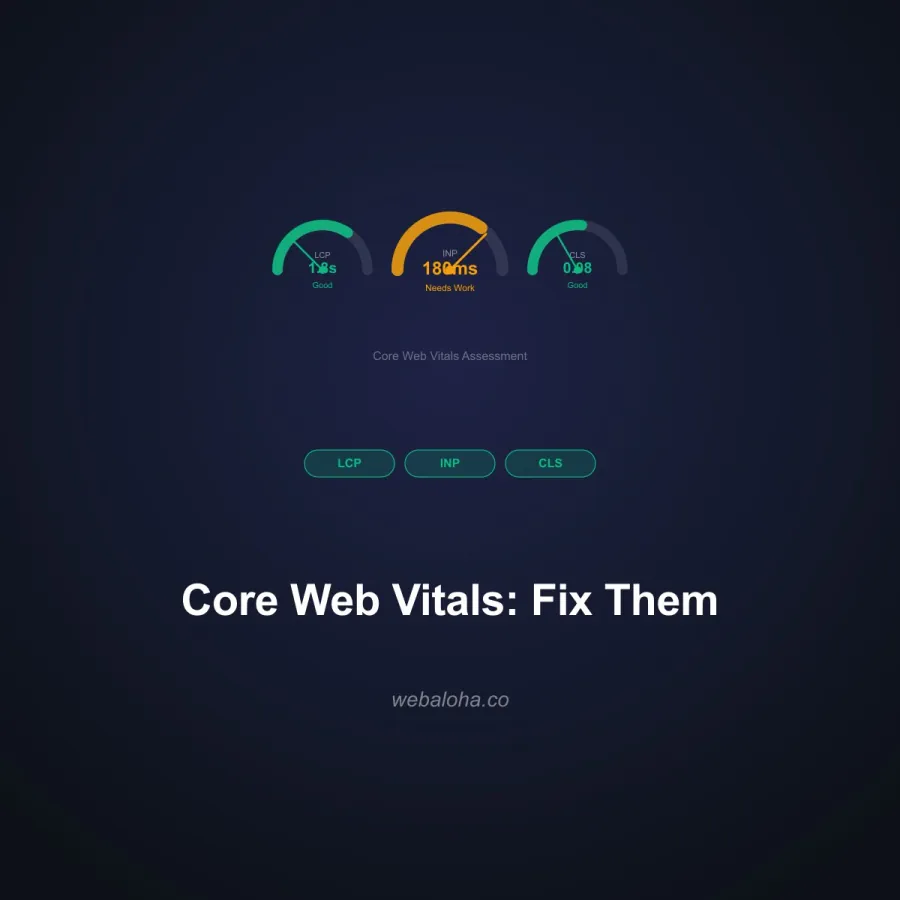
Aim for Good on all three Core Web Vitals at the 75th percentile of page loads.
| Metric | Good | Needs work | Poor |
|---|---|---|---|
| LCP Largest Contentful Paint | ≤ 2.5s | 2.5s to 4.0s | > 4.0s |
| INP Interaction to Next Paint | ≤ 200ms | 200ms to 500ms | > 500ms |
| CLS Cumulative Layout Shift | ≤ 0.1 | 0.1 to 0.25 | > 0.25 |
What to Fix First
Poor LCP usually needs image, hosting, font, and render-blocking fixes. Poor INP usually needs JavaScript reduction. Poor CLS needs reserved image, ad, and embed space. For implementation help, explore our website speed optimization service.
What Each Core Web Vital Measures
Each metric maps to a different part of the experience, which means each has its own typical cause and primary fix. Use this alongside the thresholds above to prioritize work.
| Metric | What it measures | Common cause of failure | Primary fix |
|---|---|---|---|
| LCP | Loading: time to render the largest visible element | Heavy hero image, slow server, render-blocking CSS or fonts | Optimize and preload the hero asset, improve TTFB, remove blocking resources |
| INP | Responsiveness: delay between interaction and next paint | Heavy JavaScript and long main-thread tasks | Reduce and split JavaScript, defer third-party scripts, break up long tasks |
| CLS | Visual stability: unexpected layout movement | Images without dimensions, late ads, injected banners | Set width and height, reserve space for embeds, avoid inserting content above existing content |
Google grades these at the 75th percentile of real visits using field data. To turn a failing report into a fixed page, see our website speed and performance optimization service or request a free website audit.
Field Data, Lab Data and Missing Data
| Evidence | What it answers | How to use it |
|---|---|---|
| CrUX field data | What eligible real Chrome visits experienced over the reporting window | Review the 75th-percentile LCP, INP and CLS; a URL may lack enough data. |
| Lighthouse lab run | How one controlled page load performed | Use diagnostics to investigate. TBT is a lab metric, not measured field INP. |
| No field data | The source did not return a sufficient field sample | Do not read this as a pass or fail. Use lab checks and collect real-user evidence. |
Next steps
Core Web Vitals Checker related tools and articles
Continue with the closest follow-up checks and guides based on this tool's topic, crawl intent, and optimization workflow.



Core Web Vitals Checker: FAQ
What data does the Core Web Vitals Checker return?
How should I read field data versus lab data?
Why are page field metrics missing while origin data is available?
What thresholds should I use for LCP, INP, and CLS?
Why can mobile and desktop results differ?
What should I do after a poor result?
Why might the check return a quota or timeout error?
What data is sent when I run a Core Web Vitals check?
Free Website Audit
Not sure what to fix first on your own website? We'll review it and tell you, in plain English, within 48 hours. Free and non-obligatory.
Need Better Core Web Vitals?
We help businesses improve real speed, mobile UX, Core Web Vitals, and conversion rates.