
Open Graph Checker & Preview Tool Online
Last updated:
Check your Open Graph tags, Twitter Cards, and preview how your links look when shared on Facebook, X, LinkedIn, Discord, and WhatsApp.
Enter a URL to check its Open Graph tags:
Found issues? That’s exactly what our SEO audit fixes.
Our SEO Audit + Essentials package ($555, one-time) finds and fixes exactly these kinds of problems, with a prioritized plan in plain English.
Looks clean here. How is the rest of your SEO?
One passing check doesn’t make a ranking strategy. We audit the full picture: content, technical SEO, internal links, and search intent.
Want us to act on this result? Fix these findings →
Prefer the partnership route? Refer clients to us, earn 10% →
How the Open Graph Checker Works
This tool fetches any webpage and extracts all social sharing metadata. Here's the process:
- Enter a URL, paste any page address. The tool fetches the full HTML just like a social media crawler would.
- Tag extraction, it reads all Open Graph tags (
og:title,og:description,og:image, etc.), Twitter Card tags, and standard meta tags. - Platform previews, see visual mockups of how your link will appear on Google, Facebook, X/Twitter, LinkedIn, Discord, and WhatsApp.
- Score and issues, get a quality score (0–100) plus specific flags for missing or problematic tags.
Why Open Graph Tags Matter
Every time someone shares a link, on social media, in a group chat, on Slack, or in an email client that renders previews, the platform reads your OG tags to build the preview card. Without them, you're leaving first impressions to chance.
- Click-through rates, links with a compelling image, title, and description get significantly more clicks than plain URLs or auto-generated previews.
- Brand consistency, OG tags let you control exactly what appears. No more random images pulled from your sidebar or footer.
- Cross-platform reach, Facebook, X, LinkedIn, Discord, WhatsApp, Slack, Telegram, and iMessage all use OG tags. One set of tags covers almost every sharing surface.
- GEO and AI visibility, AI search engines display rich cards when citing sources. Well-structured metadata helps your content stand out in AI-generated answers.
For the full technical picture, pair this with the SSL Certificate Checker (HTTPS is required for OG images on most platforms) and the Robots.txt Tester to make sure crawlers can actually access your pages. After OG tags, check your schema markup, structured data gives you even richer signals to search engines and AI. Preview the full Google search result with the SERP Preview Simulator. For a deeper walkthrough of every property, read our complete guide to Open Graph tags.
Essential Open Graph Tags for Every Page
Not sure which tags to add? Here's the minimum set every page should have:
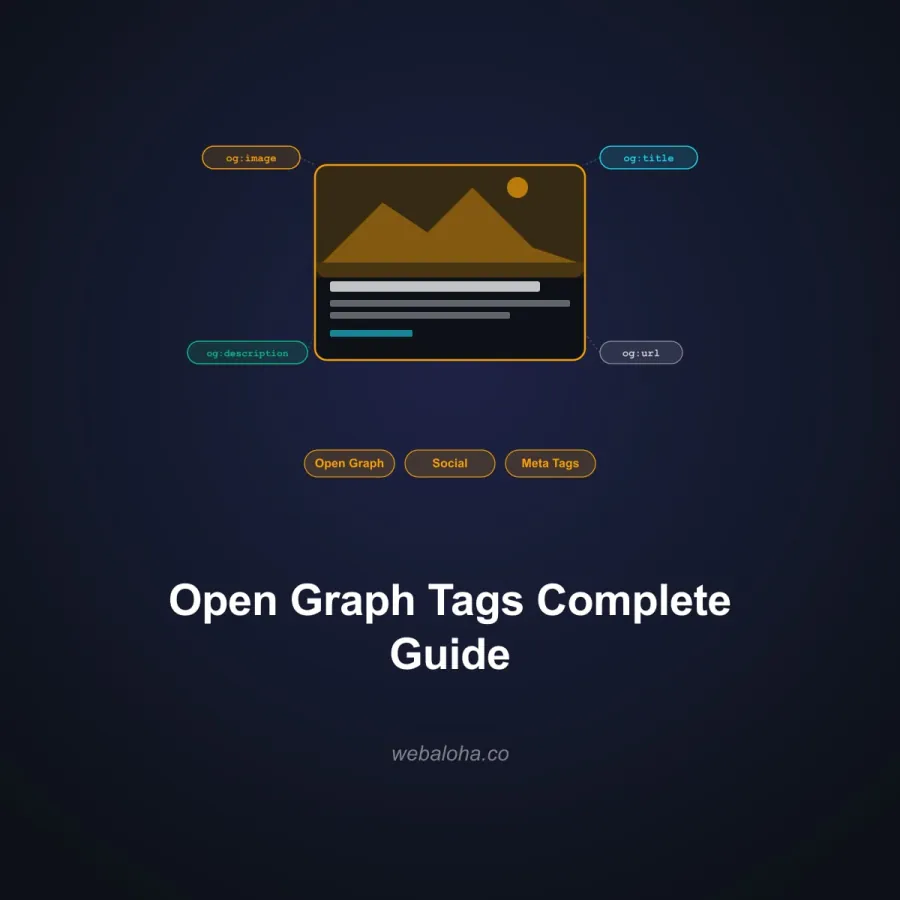
og:title, the title shown in link previews. Keep it under 60–70 characters for best display.og:description, a short summary. 100–160 characters works well across platforms.og:image, the preview image. Use 1200×630px for universal compatibility. This is the single most impactful tag for engagement.og:url, the canonical URL of the page. Helps platforms consolidate share counts.og:type, usuallywebsitefor homepages andarticlefor blog posts.twitter:card, set tosummary_large_imagefor large image previews on X/Twitter, orsummaryfor smaller ones.
These tags work together with your SEO setup, they share the same content strategy but serve different surfaces.
Next steps
Open Graph Checker & Preview related tools and articles
Continue with the closest follow-up checks and guides based on this tool's topic, crawl intent, and optimization workflow.
Open Graph Checker: FAQ
What does the checker extract?
Which issues does it flag?
Are the Google, Facebook, X, and Discord cards exact previews?
Does the checker validate the Open Graph image?
Why can tags visible in DevTools be absent?
Does no listed issue mean social sharing is configured correctly?
Which Open Graph issue should I fix first?
What data is sent during an Open Graph check?
Free 48-Hour Website Audit
Not sure what to fix first on your own website? We'll review it and tell you, in plain English. Free & non-obligatory.
Need Help With Your Website's SEO?
We help small-to-medium businesses optimize meta tags, OG images, and social sharing across every platform.