On-page SEO is the foundation of everything else. Before you build links or invest in content promotion, the page itself needs to be properly optimized.
This checklist covers every on-page SEO element that matters in 2026 - for both traditional search and AI visibility.
1. Title Tag
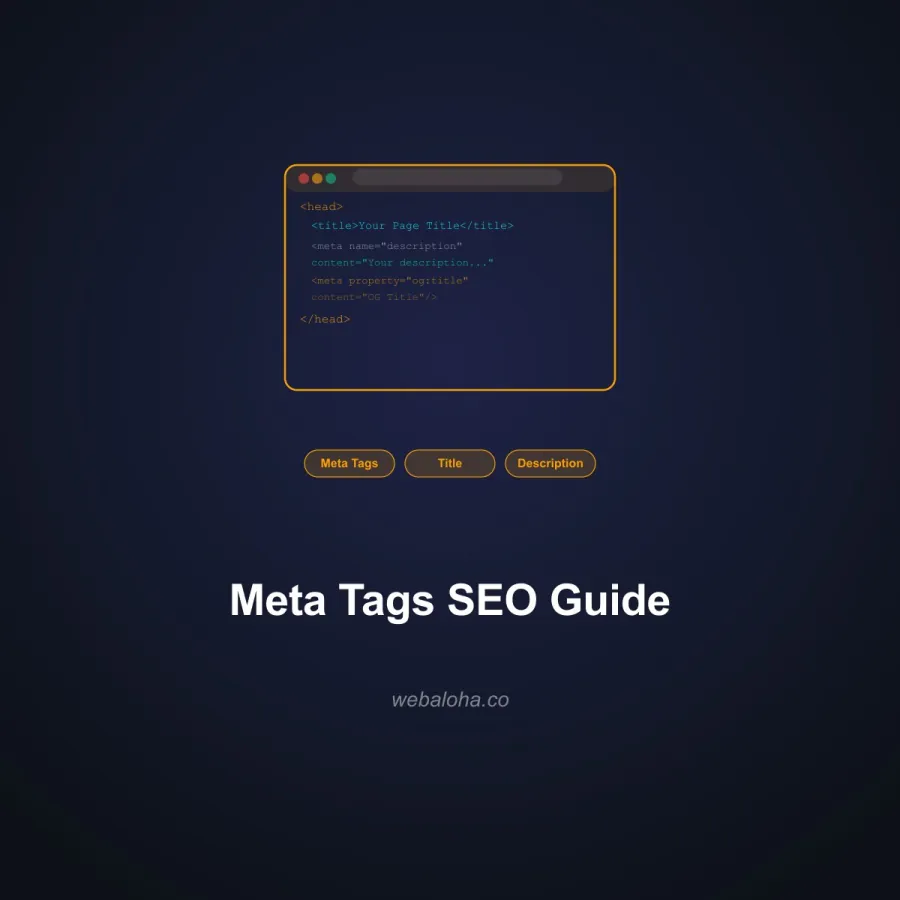
The title element is an important source Google may use when generating a result’s title link, alongside visible headings and other page signals. Google can rewrite the displayed title, so clarity and page alignment matter more than treating one tag as a guaranteed ranking lever. See Google’s title-link guidance.
Best practices:
- Include your primary keyword, preferably near the front
- Keep it concise enough to remain useful in context; Google does not publish a fixed character limit and truncation depends on the rendered result
- Write for humans first - it needs to earn the click
- Each page should have a unique title tag
- Avoid keyword stuffing; one well-placed keyword phrase is enough
Check your title tags with our Meta Tag Checker.
For the full evidence and implementation workflow, see the title tag SEO guide, including why Google may generate a different title link.
2. Meta Description
Meta descriptions can influence the displayed snippet and the decision to click, but Google may use page text instead. Your observed CTR is not a simple causal ranking lever.
Best practices:
- 140-160 characters
- Include the primary keyword naturally
- Write a compelling summary of what the page offers
- Include a soft call to action where appropriate (“Learn how,” “See the full guide”)
- Every page should have a unique meta description
3. H1 Heading
One clear page-level H1 is a useful editorial convention, not a Google requirement for exactly one heading.
Best practices:
- Include the primary keyword in the H1
- H1 should match or closely align with the title tag (they can be slightly different)
- Keep it clear and descriptive - not clever at the expense of clarity
- Keep the page outline logical and the main topic clear
Use our Heading Checker to verify your heading structure.
The heading tags SEO guide covers semantic hierarchy and common H1-H6 mistakes in more depth.
4. Heading Hierarchy (H2-H6)
Headings help both users and search engines understand page structure.
Best practices:
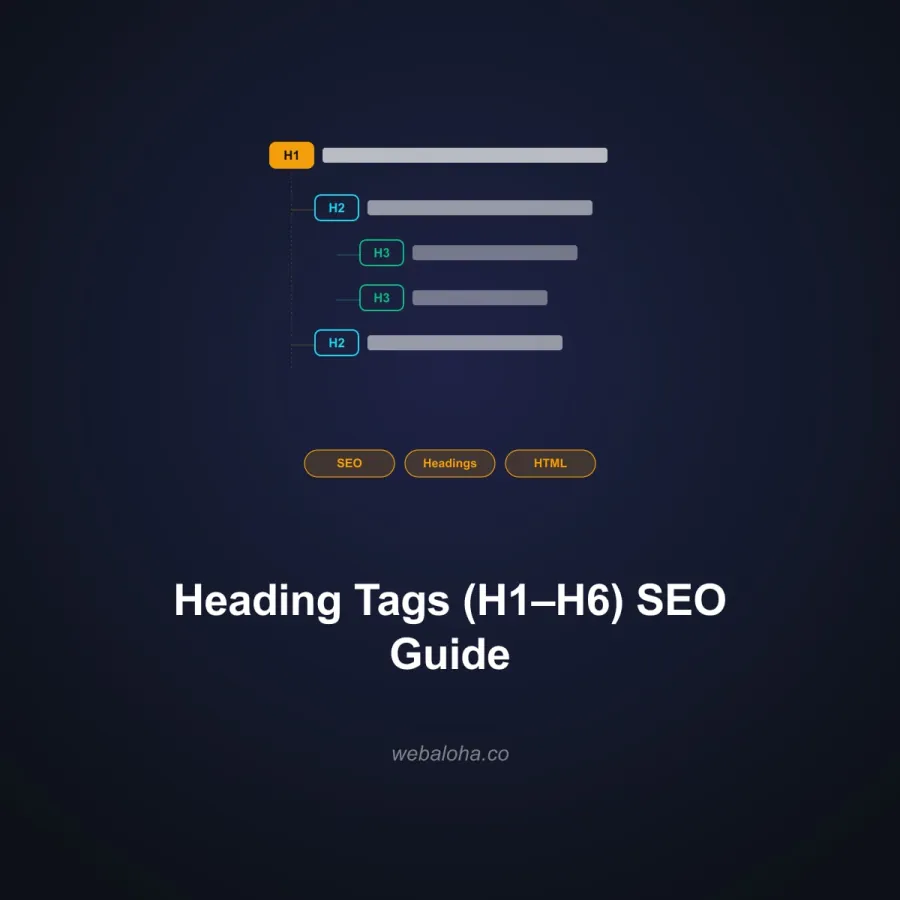
- Use H2 for major sections, H3 for subsections
- Include keywords in H2 headings where natural
- Headings should describe what the section actually covers
- Avoid skipping heading levels (H2 → H4)
- Make headings specific: “Why Internal Links Matter” beats “Why It Matters”
5. Content Quality and Depth
Useful, reliable, people-first content is the foundation. Google’s helpful-content guidance emphasizes whether a page serves its intended audience and demonstrates clear sourcing or experience; it does not prescribe a word count.
Best practices:
- Cover the topic comprehensively - address the main query and related sub-questions
- Write at the reading level your actual audience and subject require
- Use short paragraphs (3-4 lines max), bullet points, and numbered lists for readability
- Include specific, accurate information - statistics, dates, named entities
- No minimum word count - cover what needs covering, then stop
- Update pages regularly to keep information current
For AI visibility, also apply passage-level writing - lead each section with a direct answer.
Content is where most DIY on-page SEO stalls. Writing pages that satisfy this checklist takes real hours. Every website we design and build ships with professional content included: titles, headings, schema, internal links, all of it done. From $777.
6. Keyword Usage
Target a primary keyword and a cluster of related semantic keywords.
Best practices:
- Primary keyword in: title tag, H1, first 100 words, at least one H2, URL
- Use related terms and synonyms naturally throughout the content
- Avoid keyword stuffing - modern search engines understand semantic context
- Focus on topic coverage over exact keyword density
- Use the Keyword Generator for ideas and the Keyword Extractor to inspect observed word and phrase frequency; validate relevance manually
7. URL Structure
Clean URLs help both search engines and users understand page context.
Best practices:
- Keep URLs short and descriptive:
/on-page-seo-checklist/not/blog/article-123-seo-tips-for-websites/ - Use hyphens to separate words (not underscores)
- Include the primary keyword in the URL
- Avoid unnecessary subfolders where possible
- Never change a URL once a page is indexed without setting up a 301 redirect
8. Internal Links
Internal links distribute authority across your site and help search engines understand content relationships.
Best practices:
- Include 3-5 contextual internal links per 1,000 words
- Use descriptive anchor text that describes the destination page
- Link to related content that genuinely helps the reader
- Ensure important pages receive links from multiple other pages
- Use the Internal Link Analyzer to flag orphan candidates in a bounded crawl, then verify the crawl and sitemap coverage before confirming missing inbound links
Read our full Internal Linking Strategy guide for a deep dive.
9. Image Optimization
Every image is an opportunity - for page speed, accessibility, and search visibility.
Best practices:
- Use descriptive file names:
on-page-seo-checklist.jpgnotIMG_4829.jpg - Write meaningful alt text for every image (describes the image, includes keyword where natural)
- Compress images for fast load times (WebP format recommended)
- Add captions where they help comprehension
- Use appropriate image dimensions - don’t load a 3000px image in a 600px container
Our Image SEO Checker audits all images on any page.
10. Schema Markup
Structured data can make explicit page information eligible for supported search features when it follows provider policies and matches visible content. It does not guarantee a rich result or an AI citation.
Best practices:
- Add
Articleschema to blog posts with author, datePublished, image - Treat FAQPage as optional vocabulary for visible FAQs; Google retired FAQ rich results on May 7, 2026
- Add
BreadcrumbListschema to all pages - Use
Organizationschema on your homepage - Use
LocalBusinessschema if you serve a geographic area - Validate with our Schema Markup Validator
Google requires no special AI schema. Read the schema evidence guide before claiming a citation benefit.
11. Page Speed and Core Web Vitals
Google says Core Web Vitals are used by its ranking systems, but good scores do not guarantee top rankings and relevance remains more important. Measure speed for users and conversions as well as search. See Google’s Core Web Vitals guidance.
Key metrics:
- LCP (Largest Contentful Paint): under 2.5 seconds
- INP (Interaction to Next Paint): under 200ms
- CLS (Cumulative Layout Shift): under 0.1
Quick wins:
- Compress and properly size images
- Minimize render-blocking JavaScript
- Use a CDN (Vercel, Cloudflare)
- Enable browser caching
- Reduce third-party scripts
Check your page performance with our Website Performance Checker.
12. Mobile Optimization
Google uses mobile-first indexing - the mobile version of your page is what gets indexed and ranked.
Best practices:
- Responsive design that works on all screen sizes
- Text readable without zooming (minimum 16px font size)
- Buttons and links large enough to tap (minimum 44px touch target)
- No content wider than the viewport
- Fast load times on mobile connections
Test with our Mobile-Friendly Checker.
13. Canonical Tags
Canonical tags prevent duplicate content issues by telling Google which version of a page is the “official” one.
Best practices:
- Every page should have a self-referencing canonical tag
- Use canonical tags when similar content exists at multiple URLs
- Ensure canonical URLs use HTTPS and the correct www/non-www version
- Check for canonical issues with our Canonical URL Checker
14. Open Graph and Social Tags
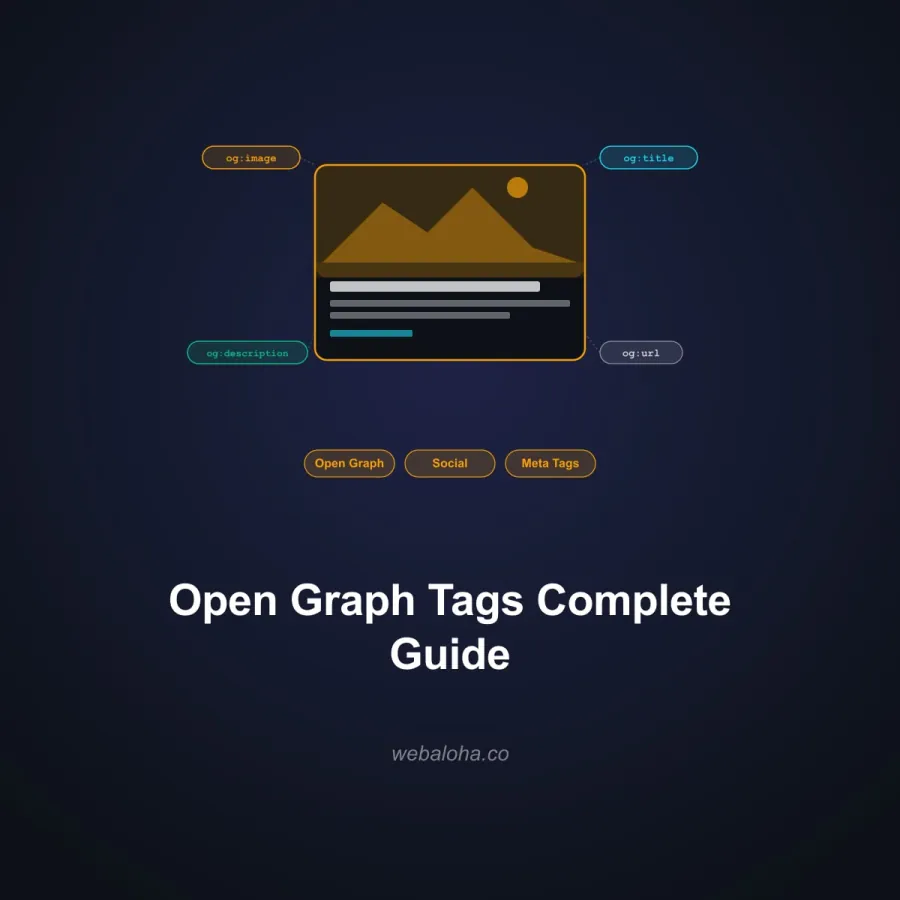
Open Graph tags control how compatible social and messaging platforms can preview shared URLs. Major AI search providers do not document Open Graph as a citation-ranking signal; keep that claim separate from the documented preview use.
Use the Open Graph implementation guide for the protocol, platform-debug workflow, image considerations, and that evidence boundary.
Best practices:
og:title- can match or slightly vary from the title tagog:description- similar to meta description, or slightly longerog:image- minimum 1200x630px, visually compellingog:type-articlefor blog posts,websitefor core pages- Check with our Open Graph Checker
15. Outbound Links
Linking to authoritative external sources signals that your content is well-researched.
Best practices:
- Link to credible, authoritative sources (government sites, academic papers, industry publications)
- Use
target="_blank"withrel="noopener noreferrer"for external links - Do not link to direct competitors on key landing pages
- A few high-quality outbound links per article is fine - do not avoid them
Want this checklist run against your site by a human? Our free website audit checks these exact on-page elements, plus speed and indexing, and tells you what to fix first. Delivered within 48 hours, no strings.
On-Page SEO Quick Audit Checklist
Run through this for every important page:
- Unique title tag (50-60 chars, primary keyword included)
- Unique meta description (140-160 chars, compelling)
- Clear page-level heading and logical section hierarchy
- H2-H6 structure logical and keyword-rich
- Content fully covers the topic
- Primary keyword in URL, first paragraph, at least one H2
- 3-5 contextual internal links
- All images have alt text, compressed, descriptive filenames
- Schema markup present (Article/FAQPage/BreadcrumbList as appropriate)
- Core Web Vitals passing
- Mobile responsive
- Canonical tag present and correct
- Open Graph tags set
For a complete site-wide SEO strategy, see our SEO Services. If you want to also optimize for AI search alongside traditional SEO, read about how SEO and GEO work together.
Frequently asked questions
What is on-page SEO?
On-page SEO refers to the optimizations you make directly on a web page to help it rank better in search results. This includes your title tag, meta description, headings, content quality, keyword usage, internal links, schema markup, image optimization, and page speed. Unlike off-page SEO (backlinks, mentions), on-page SEO is fully within your control.
What is the most important on-page SEO factor?
There is no single factor that guarantees ranking. Start with useful content that satisfies the query, then make the page crawlable, indexable, descriptive, and usable. Technical polish cannot make an irrelevant page relevant, and strong content can still be held back by indexing or presentation problems.
How long should a page be for SEO?
Google does not publish a preferred word count. Use enough original content to satisfy the task and support the claims, then stop. A concise definition page and a detailed technical guide can both be appropriate for their respective intents.
Does on-page SEO still matter in 2026?
Yes, absolutely. On-page SEO remains fundamental. Even with AI search growing, Google's core algorithm still evaluates page-level signals: relevance, content quality, structured data, page experience, and semantic clarity. Strong on-page SEO also supports GEO performance, since the same qualities that help AI citations also help traditional rankings.
How often should I update my on-page SEO?
Review a page when its facts, offer, product, search intent, performance, or linked resources change. A fixed calendar can help operations, but changing a date or rewriting stable text without a substantive reason does not make a page more useful.
What tools can help with on-page SEO?
Useful free tools include Google Search Console (performance data), our Meta Tag Checker (title and description analysis), Heading Checker (H1-H6 structure), Schema Markup Validator (structured data), and AI Search Visibility Checker (AI readiness). For deeper audits, Ahrefs and Semrush offer comprehensive on-page analysis.