Web Aloha’s website maintenance plans cost $49, $99 or $199 per month. These are our published offers, checked on 28 October 2026. Your total running cost also depends on hosting, domains, paid software, external services and work outside the plan.
Start by asking what needs to keep working: an enquiry form, a booking calendar, checkout, multilingual content or a publishing workflow. Then assign responsibility for each one. The smallest monthly price is useful only when its coverage matches the site.
What the Monthly Plans Include
The following summary comes from our current website maintenance service. The service page and your agreed quote define the detailed scope.
| Plan | Monthly price, USD | Published scope | Support response listed |
|---|---|---|---|
| Essential | $49 | CMS, theme and plugin updates where applicable; weekly security scans; daily backups; uptime and SSL monitoring; monthly broken-link checks; basic speed work | Email, 24 hours |
| Growth | $99 | Essential plus performance work, a monthly report and 30 minutes per month of small fixes and adjustments | Priority email, same day |
| Pro | $199 | Growth plus content updates, 3 SEO blog posts per month, redirect management and 1 hour per month of development | Priority support, 4 hours |
The published plans are month-to-month, with no cancellation fee. Confirm how support hours, time zones, holidays and escalation apply to your site. A response target is not a guaranteed repair time. Investigation may depend on a hosting provider, a plugin vendor or access that only the owner can provide.
For WordPress-specific detail, compare the WordPress care plans. They use the same published monthly prices, with platform-specific tasks such as core, plugin and theme checks. The WordPress page states that daily offsite file/database backups are retained for 30 days. Confirm the retention and restore procedure for your own architecture rather than assuming every platform has the same backup arrangement.
Ask how the plan’s small-fix or development allowance is counted, approved and reported. Confirm whether unused time carries forward and what happens when a requested change exceeds the allowance. Do not assume unlimited work or add the listed allowances together without agreement.
Maintenance, Hosting and Growth Work Cover Different Jobs
| Budget item | What it pays for | What the owner should verify |
|---|---|---|
| Hosting | Serving the website and any databases or functions | Account ownership, renewal, resource limits and recovery access |
| Maintenance | Agreed updates, monitoring, backups, checks and support | Schedule, evidence, exclusions and response terms |
| Licences and services | CMS seats, plugins, form delivery, email, booking or other APIs | Who pays, renewal dates and usage charges |
| Content and search work | Agreed writing, research and optimisation | Exact deliverables and approval responsibility |
| Repairs and new features | Resolving an existing fault or building a change | Separate scope, acceptance checks and price |
A hosting backup and a tested recovery process are different deliverables. Ask what is copied, where it is stored, how long it is retained, who can restore it and when a restore was last tested. A backup notification alone does not show that the recovered site can accept an enquiry or order.
Our Pro plan explicitly includes the content work in the table. That does not mean every maintenance plan contains an ongoing search strategy or that publishing posts guarantees rankings. Dedicated SEO services have their own scope.
What Changes the Amount of Work?
How the site is built. A small WordPress brochure site and a WooCommerce store have different dependencies. A store needs tests around products, accounts, payments, order notifications and scheduled work. A static site avoids a public WordPress/PHP runtime, but still needs attention to its build, dependencies, hosting accounts, form endpoints and connected services.
How often it changes. A stable service site may need mostly routine checks. Frequent content edits, promotions, languages and integrations create more work and more opportunities for a regression. State what the owner edits and what the maintainer edits.
Its starting condition. A plan for a healthy site does not automatically include repairing years of faults. Before takeover, agree the current health check, access, unsupported software, broken flows and any initial repair project.
The business impact of failure. An offline portfolio and a failed checkout require different escalation arrangements. Describe the actual customer task and agree its recovery path. Avoid buying a response number without understanding who can act after that response.
The evidence required. “Updates done” is less useful than a record of what changed, which flows were tested and which issues remain. Ask for evidence proportionate to the site, particularly after a major update or provider change.
Which Work Is Usually a Separate Decision?
Web Aloha’s maintenance page says emergency fixes outside regular scope may incur additional charges. Confirm the scope before assuming these items are included:
- Recovery from an existing compromise or an already broken site.
- A major PHP or platform upgrade that needs compatibility investigation and staging.
- A redesign, platform migration, new language or new integration.
- New booking, payment, membership or account functionality.
- Custom development beyond the agreed monthly allowance.
- Extra content, premium licences, paid provider support or external usage fees.
For a defined repair project, our Website Fix Sprint is a separate $555 one-time offer. It is not a monthly maintenance tier or an automatic surcharge, and the service’s accepted scope still needs to fit the problem. Compare website redesign planning when the work changes the whole site.
Keep the retainer and the repair quote separate in your budget. A short initial repair may make ongoing care easier, but that does not establish that a rebuild is necessary.
Build a Running-Cost Budget Without Guessing Market Averages
Use your actual supplier quotes and renewal notices. Record monthly subscriptions and annual charges separately so that a large renewal is visible before it arrives.
Annual running budget =
  12 × monthly maintenance
  + 12 × other monthly subscriptions
  + annual domain, hosting and licence renewals
  + usage charges for the expected workload
  + separately approved repairs or changes
Do not count hosting twice if your agreed subscription already includes it. Do not multiply an annual renewal by 12. For variable charges, record the usage assumption and the provider’s current terms. There is no need to invent a universal “normal monthly cost” for sites with very different requirements.
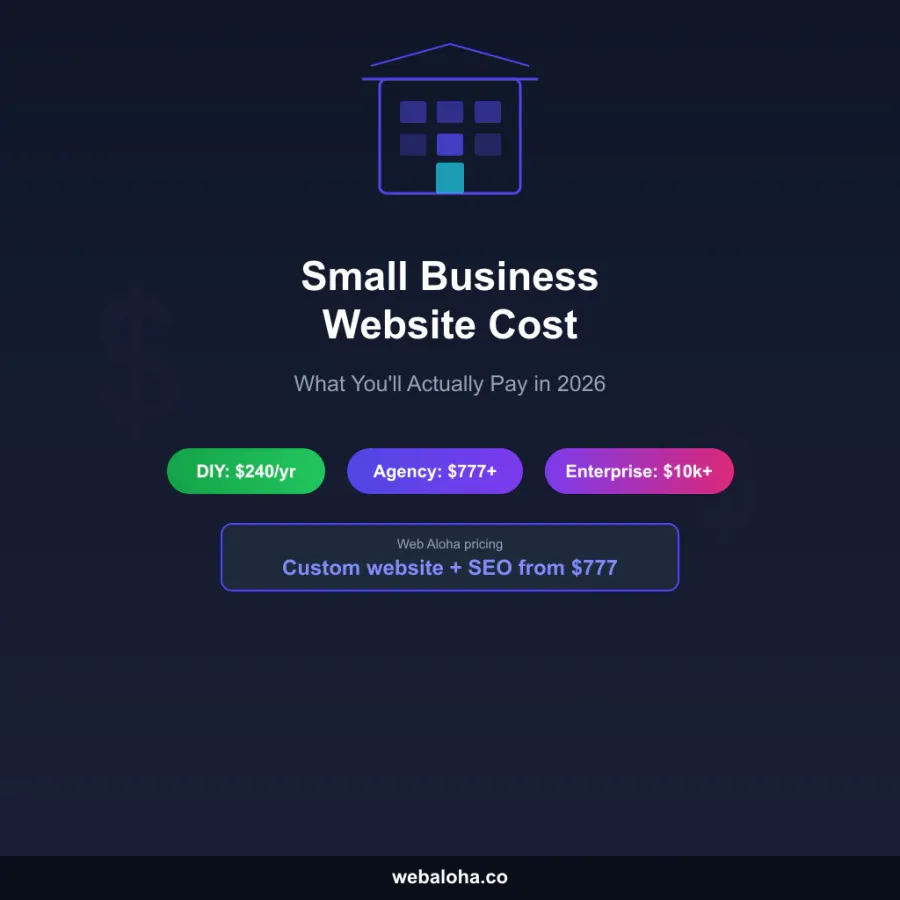
For a new build, add the agreed build price and any initial migration or setup work separately. Our small-business website cost guide covers those buying decisions. The Lithuanian edition publishes approved EUR amounts on its maintenance service page; the USD prices here are the English offer.
Who Still Owns the Responsibilities?
Paying for a plan should make accountability clearer. Record the owner and backup contact for each of these tasks:
| Responsibility | What to agree |
|---|---|
| Domain and hosting accounts | Business ownership, renewal payment, recovery contact and delegated access |
| Paid software | Licence holder, payment method and renewal approval |
| Business information | Who confirms prices, services, opening hours and translated content |
| Access | Who approves new users and removes departing staff |
| Releases | Who approves a change and checks the relevant customer journey |
| Incidents | Who can pause a release, contact suppliers and authorise recovery |
| Handover | How code, content, credentials and open issues transfer when support ends |
The maintainer can test that a form sends a message. The business still needs to confirm that the recipient is correct and somebody handles the enquiry. Likewise, a successful technical payment test does not establish that all accounting or operational steps are covered.
What Evidence Should You Receive?
For the agreed reporting period, a useful maintenance record identifies the updates applied, backup status, important test results, monitoring incidents and unresolved issues. Growth and Pro include a monthly report on our published service page. Ask what reporting is available on the plan you choose.
Keep routine availability monitoring separate from functional tests. An HTTP 200 on the homepage does not prove checkout works, a recipient received a form or a consented analytics event arrived.
Our Wellington House Repiling case study describes a relationship spanning the original WordPress website, ongoing care and a later Astro rebuild. Wat Pa Tam Wua is another long-term support example, provided pro bono. These show different operating needs over time; neither is evidence of what a new customer’s maintenance should cost, and their search results do not isolate the effect of maintenance.
Questions to Settle Before You Choose a Plan
- Which platform, services and customer journeys are covered?
- What condition is the site in, and which faults need a separate repair?
- What is monitored automatically, and what is tested by a person?
- What exactly is backed up, retained and restore-tested?
- What does the response target mean for your working hours and critical flows?
- How are included changes counted, approved and billed beyond the allowance?
- Who pays each renewal and keeps recovery access?
- What evidence and handover will you receive?
Compare the current maintenance plans or send your platform and support requirements. We reply within 24 hours. Audits arrive within 48 hours.
Frequently asked questions
How much does website maintenance cost?
Web Aloha's published maintenance plans cost $49, $99 and $199 per month. They are our defined offers, not market averages. Compare the included tasks, support response, change allowance and separately billed services.
Is hosting included in website maintenance?
Do not assume it is. Hosting supplies the infrastructure; maintenance covers agreed care and support. Ask which hosting, domain, licence and usage charges are included in your written quote and which renew separately.
Does a maintenance plan include every website repair?
No. Web Aloha Growth includes 30 minutes a month of small fixes, while Pro lists one hour a month of development alongside its other inclusions. Emergency work outside the regular scope may cost extra. Existing faults, major upgrades and new features need an agreed scope.
Does a four-hour support response mean the website will be fixed in four hours?
No. A response target describes when support responds, not a guaranteed restoration time. Agree support coverage, escalation, recovery access and any separate resolution commitment before buying.
Does an Astro or static website need maintenance?
Yes. It still has domains, hosting accounts, build dependencies, forms, third-party services and content to maintain. Its tasks differ from WordPress updates, so compare the actual architecture and responsibilities.
Can I maintain my own website?
Yes, if someone can perform the required updates, checks, backups and recovery work and owns the relevant accounts. Include that person's time and availability when comparing self-maintenance with a plan.