“Duplicate without user-selected canonical” in Search Console means Google found two or more URLs with the same content, your affected URL did not say which one you prefer, and Google picked one itself. It is a decision Google already made, not an error. Sometimes Google picked exactly the URL you would have picked, and the right fix is no fix at all.

So do not start by adding canonical tags everywhere. Start by finding out which URL Google chose and why both URLs exist. This guide walks through that investigation, with the decision it should end in.
What the status means, and when it needs no action
Google’s Page indexing report help describes it plainly: the page is a duplicate of another page and does not indicate a preferred canonical. Google selects another page as canonical and does not show this one in search.
Three things follow from that:
- Your content is not missing from Google. The URL Google selected can be indexed and shown. The affected URL is the copy Google set aside.
- It is not a penalty. Google groups duplicates and picks one representative; that is normal behaviour for almost every site.
- It only matters if Google picked the wrong one, or if the two URLs should not be duplicates in the first place.
Intentional duplicates that usually need no action:
- Tracking and campaign parameters such as
?utm_source=or?gclid= - Sorting, view and session parameters, such as
?sort=priceor?view=grid - Printer-friendly versions, or the same product reached through two category paths
- Old URLs that already redirect, still being processed
If Google’s selected canonical is the clean, preferred version of each of these, write down the decision and move on.
Step 1: record what Google sees
Before you change anything, record four facts for one affected URL. Open URL Inspection in the Search Console property that contains it.
| Record | Where to find it | Why it matters |
|---|---|---|
| Affected URL | The exact URL from the Page indexing example list | Parameters, trailing slashes and www all count as different URLs |
| Google-selected canonical | URL Inspection, Page indexing section | This is the URL Google indexes instead |
| User-declared canonical | Same section; “None” for this status | Confirms Google saw no canonical on the affected URL |
| Inspection date and last crawl | URL Inspection, Crawl section | A status recorded before your last change may already be out of date |
Pick a few example URLs from the report rather than one. If they all share a pattern, such as the same parameter or the same host variant, you are dealing with one cause, not many problems.
Step 2: compare both URLs before choosing a fix
Now compare the affected URL with the URL Google selected. Each comparison answers one question, and each tool below verifies only part of the picture.
| Compare | The question | What can verify it |
|---|---|---|
| Content | Are the two pages really the same for a visitor? | Open both. For text overlap, the Duplicate Content Checker compares two URLs or texts. It measures overlap; it does not decide which page Google prefers. |
| Redirects | Does either URL redirect, and where to? | The Redirect Checker traces every hop and the final status code. It cannot see redirects that only happen for some devices or countries. |
| Canonical tags | What does each URL declare now? | The Canonical URL Checker reads the declared canonical in HTML and HTTP headers and follows chains. It shows your preference, not the canonical Google selected. |
| Indexability | Can the preferred URL be indexed at all? | The Google Index Checker checks the live response, noindex, Googlebot robots.txt rules, the canonical target and sitemap inclusion. Pick the status in the tool to have it explained. It does not read Google’s index. |
| Internal links | Which version does your own site link to? | A site crawl or the Internal Link Analyzer. Links that point at the duplicate tell Google you prefer it. |
| Sitemap | Which version do you submit? | Open your XML sitemap. Only the preferred URL should be listed. |
Only URL Inspection shows the canonical Google actually selected. The live checks tell you what your site says right now; Search Console tells you what Google concluded the last time it crawled.
Worked examples
Tracking parameters: our own offer links
In an audit of our own site on 20 October 2026 we found offer links that carried tool and placement context in the URL, for example:
/portfolio/?offer=referral&placement=inline_result&tool=php-version-checker
Each of these URLs served the same page as /portfolio/ and declared https://webaloha.co/portfolio/ as its canonical. We verified that on 20 October 2026. For Google, that is the healthy version of this problem: the duplicate names the clean URL, so Google has a consistent signal. URL Inspection reported the example URL above as “URL is unknown to Google” on the same day, so it had not even reached our Page indexing report.
AI search tools behaved differently. In the same audit, AI answers had retrieved and cited parameter versions of our pages. A canonical tag tells search engines which URL you prefer; it does not stop other systems from using the URL they found. So the real fix belonged at the source: links should not put tracking context into crawlable URLs in the first place.
The lesson for your own report: if the affected URLs carry parameters and Google selected the clean URL, you need no Search Console fix. Ask instead why your site or your campaigns create those links.
Hostname and protocol variants
http://, https://, www and non-www versions of a page are four URLs. Google’s canonicalization guidance recommends choosing one host and redirecting the others to it, and Google generally prefers HTTPS when it works.
If the affected URLs are host or protocol variants, check them with the Redirect Checker. A 301 or 308 to the preferred host is the fix. On our own site, http://webaloha.co/portfolio/ and https://www.webaloha.co/portfolio/ both answer with a 308 to https://webaloha.co/portfolio/. If a variant answers 200 instead, set up the redirect at the server or CDN.
The wrong product URL
A shop lists one product at /shoes/trail-runner/ and at /sale/trail-runner/. Neither declares a canonical. Google selects the sale URL, perhaps because the sale category gets more internal links during a promotion. When the sale ends, the sale URL is removed and search traffic drops while Google catches up.
Here Google’s choice is wrong for the business. The fix is a self-referencing canonical on /shoes/trail-runner/, a canonical from the sale path to it, and internal links that point to the permanent URL. If the sale path has no use after the promotion, redirect it.
Genuinely different pages
Two location pages, /plumber-brighton/ and /plumber-hove/, share a template and swap only the town name. Google groups them as duplicates. A canonical would be wrong here: you want both pages found by different searchers.
The fix is distinct content: real service areas, local projects, opening hours, staff or reviews for each place. If you cannot say anything different about the second location, merge the pages into one stronger page instead.
Step 3: decide
| What you found | Decision |
|---|---|
| Google selected the URL you prefer, and the duplicate has a reason to exist | No action. Note the decision so nobody “fixes” it later. |
| Google selected the wrong URL, and visitors still need the duplicate | Consistent canonical signals: a canonical on the duplicate pointing to the preferred URL, a self-referencing canonical on the preferred URL, internal links and the sitemap on the preferred URL only. |
| The duplicate has no purpose for visitors | A 301 redirect to the preferred URL. |
| The pages should not be duplicates | Distinct content on each page, or merge them. |
Google describes redirects and rel="canonical" as strong signals and sitemap inclusion as a weak one, and treats all of them as signals rather than commands. Its guidance also says not to use robots.txt or noindex to choose a canonical: robots.txt can leave a blocked URL indexed without its content, and noindex removes the page from search entirely.
A frequent reason a fix does not take is mixed signals: a canonical points one way while internal links, the sitemap or a redirect point the other. Make your own signals agree on the preferred URL. Language versions are the exception: each keeps its own canonical URL, and hreflang lists each version by its own canonical URL rather than pointing every language at one page.
Want this decision made with you? A Website Fix Sprint is one focused week on one defined problem, such as consolidating a duplicate URL pattern, with testing and a before-and-after report: Get it fixed in one week. Not sure duplicates are the real problem? Start with the Free website audit: Get my free website audit. We reply within 24 hours. Audits arrive within 48 hours.
Duplicate, Google chose different canonical than user
This related status means you did declare a canonical, but Google selected a different URL. Google describes it as a page marked as canonical for a set of pages where Google thinks another URL makes a better canonical.
Check, in this order:
- The declared canonical target answers HTTP 200, has no noindex and is not blocked by robots.txt. A broken target is ignored.
- Internal links, the sitemap and any redirects point to the URL you declared. If the page has language versions, each keeps its own canonical, and hreflang should list each version by its own canonical URL.
- The two pages really are the same. If your canonical points to a page with different content, Google may disregard it.
If all three are in order and Google’s choice serves visitors just as well, accepting it is a valid decision. The Google Index Checker can check the first point for one URL at a time.
Alternate page with proper canonical tag
This one is usually fine. Google’s help says the page correctly points to the canonical page, which is indexed, so there is nothing you need to do. Typical members are parameter URLs, AMP versions and filtered views that point to the clean page.
Act only if a page in this report should rank on its own. Then it needs a self-referencing canonical and content that is genuinely different from the URL it points to.
Step 4: check again after Google processes the change
After you change a redirect or canonical:
- Run Test live URL in URL Inspection to confirm Google can see the change.
- Request indexing for the important URLs only.
- Use Validate fix in the Page indexing report once. Google says validation typically takes up to about two weeks and can take longer.
- Recheck the example URLs after Google’s next crawl and compare the selected canonical with your record from step 1.
If the status stays the same after a recrawl, recheck the signals in the comparison table. If they all agree and Google still selects another URL, that is a reason to look closer, not proof of a conflict: Google can keep choosing a different representative even when your signals are consistent. When its choice serves visitors just as well, accepting it can be the right decision.
When a scoped fix makes sense
Most sites can work through this guide alone. It is worth handing over when the duplicates come from your platform rather than a few pages: a theme that prints the wrong canonical, faceted navigation that creates thousands of URLs, or a migration that left old paths answering 200. Those are a defined, testable piece of work, which is what the Website Fix Sprint is for.
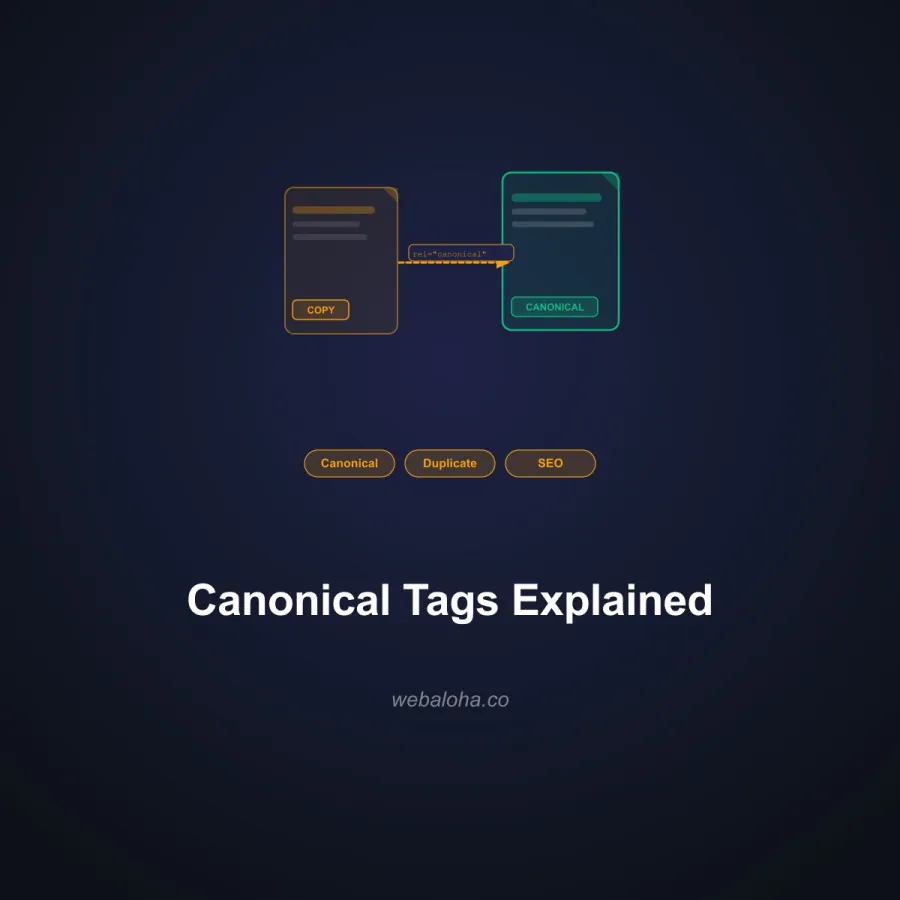
For the wider picture, read canonical tags explained, the duplicate content SEO guide and the Google Search Console guide, which covers the other Page indexing reasons, including “Crawled - currently not indexed”.
Frequently asked questions
What does duplicate without user-selected canonical mean?
Google found that the URL is a duplicate of another page, the URL does not declare a preferred canonical, and Google chose another URL as the canonical. The affected URL is not shown in search; the URL Google selected can be.
Do I need to fix duplicate without user-selected canonical?
Not always. If the URL Google selected is the version you want people to find, and the duplicate exists for a reason such as tracking or sorting, no change is needed. Act when Google picked the wrong version, when the duplicate should not exist, or when the two pages should really be different.
Should I add a canonical tag or a redirect?
Use a 301 redirect when the duplicate has no purpose for visitors. Use rel=canonical when visitors still need the duplicate URL, such as a filtered or tracked version. Google treats both as strong signals, not commands, so keep internal links and the sitemap on the same preferred URL.
How long does it take for the status to change?
Google has to recrawl and reprocess the URL. Use Test live URL in URL Inspection to confirm the fix is visible, then check the URL again after Google's next crawl. Validating a fix in the Page indexing report typically takes up to about two weeks.