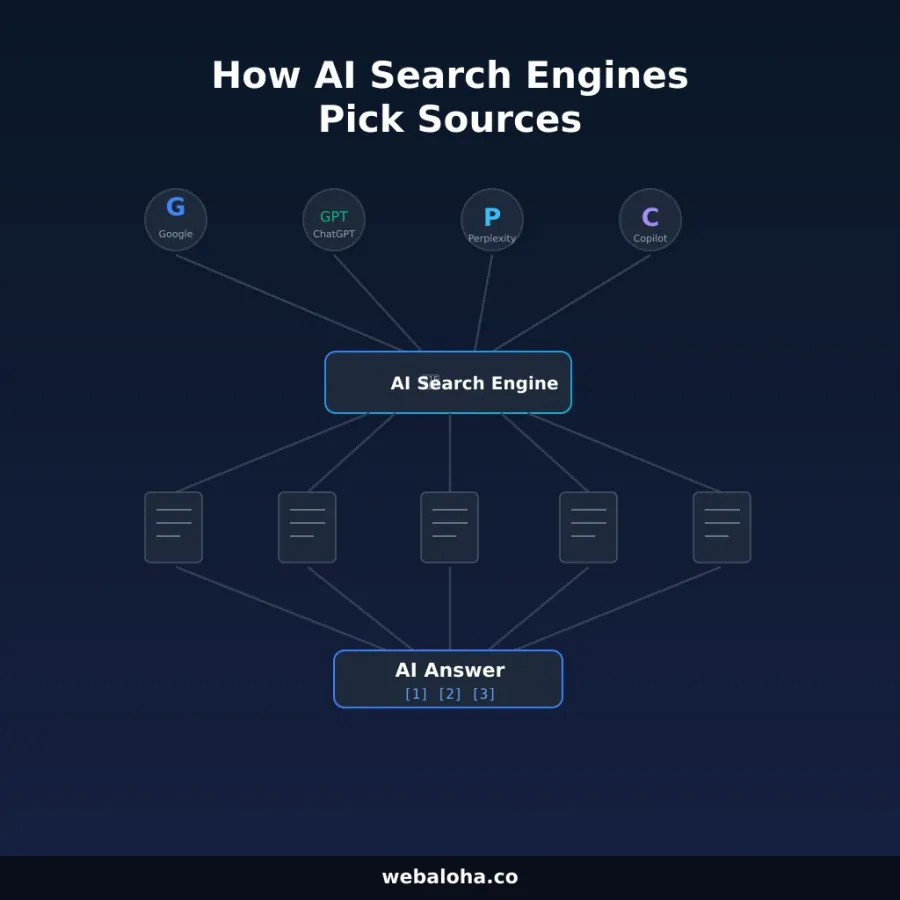
Robots.txt decisions should be based on named crawlers and documented product effects. “Allow all AI bots” and “block all AI bots” are both too blunt for most sites.
The key is to separate three activities:
- automated crawling for search or retrieval indexes;
- collection for potential model training;
- a fetch triggered by a user request.
The same company can use different tokens for each purpose.
Platform controls at a glance
| Platform | Token | Documented purpose | Important limitation |
|---|---|---|---|
Googlebot | Google Search crawling, including AI Overviews and AI Mode | Allowing crawling does not guarantee indexing or display | |
Google-Extended | Control over Gemini model training and grounding in certain other Google systems | Does not affect Google Search inclusion or ranking | |
| OpenAI | OAI-SearchBot | Discovery for ChatGPT search summaries, snippets, citations, and links | Access is necessary for full content use, not a placement guarantee |
| OpenAI | GPTBot | Potential model-training collection | Separate from OAI-SearchBot |
| Perplexity | PerplexityBot | Crawling to surface and link sites in Perplexity search results | Access does not guarantee a result |
| Perplexity | Perplexity-User | User-triggered page visits | Perplexity says it generally ignores robots.txt |
Sources: Google AI features, Google common crawlers, OpenAI publisher FAQ, and Perplexity crawler documentation.
Crawler documentation can change. Recheck official pages before making a policy decision.
Google Search and Google-Extended are different controls
For AI Overviews and AI Mode in Google Search, Google says the relevant crawler control is Googlebot. Pages also need to be indexed and eligible to appear with a snippet. There is no separate AI Overview crawler to allow.
Google-Extended is a standalone robots token used to control whether Google-crawled content may support future Gemini model training and grounding in specified Gemini and Vertex AI products. Google explicitly says this token does not affect inclusion or ranking in Google Search.
Therefore, this is a valid policy:
User-agent: Googlebot
Allow: /

User-agent: Google-Extended
Disallow: /
It keeps Google Search crawl access while declining the documented Google-Extended uses. Whether that is the right choice is a business and publishing decision, not an SEO universal.
OpenAI search and training are separate
OpenAI tells publishers who want content included in ChatGPT summaries and snippets to allow OAI-SearchBot. It uses GPTBot as the separate potential-training control.
For example, a publisher could allow ChatGPT search while opting out of potential training:
User-agent: OAI-SearchBot
Allow: /

User-agent: GPTBot
Disallow: /
OpenAI also notes that a disallowed page’s link and title may sometimes be surfaced when the URL is learned elsewhere. If the intent is to prevent indexing rather than only crawling, use the platform’s documented indexing controls and remember that a crawler must access a page to see a page-level noindex directive.
Perplexity has an automated crawler and a user fetcher
Perplexity recommends allowing PerplexityBot for sites that want to appear in its search results. It documents Perplexity-User separately as a user-triggered fetcher and says that fetcher generally ignores robots.txt.
This is why a robots audit should not report every observed user agent as an equivalent opt-in control. Some are automated crawlers; others represent a user’s request.
Do not copy a universal allow list
Before changing rules, answer these questions:
- Is the content public, licensed, paywalled, private, or regulated?
- Is the goal search discovery, direct referrals, model-training control, or server-load control?
- Which crawler does the platform officially associate with that goal?
- Does a CDN or bot-management layer block verified crawlers even when robots.txt allows them?
- Are there sensitive URLs that should require authentication rather than rely on robots.txt?
Robots.txt is public and is not a security boundary. Never use it to protect confidential data. Use authentication and authorization.
A conservative public-site example
This example keeps public search crawlers open and blocks an internal area. It intentionally does not prescribe a training policy:
User-agent: Googlebot
Allow: /

User-agent: OAI-SearchBot
Allow: /

User-agent: PerplexityBot
Allow: /

User-agent: *
Disallow: /internal/

Sitemap: https://example.com/sitemap.xml
Only include /internal/ if that route exists, and still protect it with authentication if it contains anything private.
How to audit safely
- Fetch the live
/robots.txt, not only the repository copy. - Check status code, redirects, content type, and caching.
- Evaluate each important URL against each named crawler group.
- Inspect CDN, WAF, and server logs for verified crawler failures.
- Verify crawler identity using official IP or reverse-DNS guidance where available; user-agent strings can be spoofed.
- Test indexing and preview controls separately from crawl permission.
- Record the policy decision and date so future maintainers know why each rule exists.
Use the robots.txt tester for parsing and the general robots.txt guide for syntax. A passing test means the file can be interpreted; it does not prove citation, indexing, or crawler identity.
How this fits into GEO
Crawler access is only an eligibility condition. After access, platforms still decide whether to index, retrieve, trust, and cite a page. Helpful content, internal discovery, accurate schema, platform policies, and query relevance remain separate factors.
For the wider workflow, see the GEO guide and AI visibility measurement guide. Make access choices deliberately, measure what happens, and avoid turning crawler permission into a result promise.
Frequently asked questions
Does robots.txt affect AI search visibility?
It can affect whether a named crawler can request your pages, but the consequence depends on the platform and crawler. Blocking access does not necessarily remove an already known URL, and allowing access does not guarantee inclusion or citation.
Which OpenAI crawler is used for ChatGPT search?
OpenAI tells publishers not to block OAI-SearchBot if they want content included in ChatGPT summaries and snippets. GPTBot is a separate control for potential model training.
Which crawler controls Google AI Overviews and AI Mode?
Google says Googlebot controls crawling for Google Search, including its AI features. Google-Extended is a separate token for Gemini training and grounding in certain non-Search systems and does not affect inclusion or ranking in Google Search.
Does Perplexity-User obey robots.txt?
Perplexity documents Perplexity-User as a user-triggered fetcher that generally ignores robots.txt. PerplexityBot is the automated crawler publishers can manage through robots.txt for Perplexity search inclusion.
Should every business allow every AI crawler?
No universal rule fits every publisher. Decide separately for search discovery, model training, user-triggered retrieval, licensing, server load, privacy, and paywalled content.