
AI Crawler Tester
Last updated:
Check which AI crawlers can access any URL based on robots.txt rules. See your access status for ChatGPT, Perplexity, Claude, Gemini, Bing Copilot, and every major AI platform. Free, instant, no signup.
Readiness is not visibility
Fix these gaps, then check what AI answers actually say.
This check shows whether AI crawlers can reach and read your pages. It can’t show whether ChatGPT, Perplexity or Google AI Overviews cite you. Our GEO review runs your real buyer prompts and tracks mentions and citations over time.
Good technical readiness. Now check your actual AI visibility.
A readiness score can’t show whether ChatGPT, Perplexity or Google AI Overviews mention or cite your brand. Our GEO review runs your real buyer prompts, records who gets cited, and tracks it over time.
More options Send us this result or get a copy by email
Why AI Crawler Access Matters
Your robots.txt file controls which bots can access your website. For traditional search, the main concern is Googlebot and Bingbot. For AI search, you need to think about a dozen additional crawlers.
If you accidentally block GPTBot, your content cannot appear in ChatGPT answers. If PerplexityBot is blocked, Perplexity cannot cite you. Many sites unknowingly block AI crawlers through broad wildcard rules, and miss out on AI search visibility entirely.
This tool shows you exactly which AI platforms can and cannot access your content, so you can make informed decisions about your AI search visibility strategy.
AI Crawlers This Tool Checks
This tool tests access for all major AI crawlers:
| Platform | Bot Name | Type | What It Affects |
|---|---|---|---|
| ChatGPT | GPTBot | Training | ChatGPT knowledge training |
| ChatGPT Live | ChatGPT-User | Retrieval | Real-time ChatGPT answers |
| OpenAI Search | OAI-SearchBot | Retrieval | ChatGPT search feature |
| Perplexity | PerplexityBot | Retrieval | Perplexity search answers |
| Claude | ClaudeBot | Training | Claude AI training |
| Claude Web | anthropic-ai | Retrieval | Claude live web access |
| Google Gemini | Google-Extended | Training | Gemini AI training (not search) |
| Bing / Copilot | Bingbot | Both | Bing search + Copilot |
| Cohere | cohere-ai | Training | Cohere AI models |
| Common Crawl | CCBot | Training | Open dataset used by many AI models |
| Meta AI | Meta-ExternalAgent | Training | Meta AI (Llama) training |
| Amazon Alexa | Amazonbot | Training | Amazon Alexa AI |
Training Crawlers vs Retrieval Crawlers
Not all AI crawlers do the same thing. Understanding the difference helps you make smarter robots.txt decisions:
Collect content to train AI models and build knowledge bases. Blocking these prevents your content from being used in AI training, but also reduces how well the AI knows about you.
Examples: GPTBot, CCBot, Google-Extended, ClaudeBot
Fetch content in real time when a user asks a question, for immediate citation in AI-generated answers. Blocking these has a direct, immediate impact on AI search visibility.
Examples: ChatGPT-User, PerplexityBot, OAI-SearchBot
For most businesses: allow all AI crawlers. For sites with paywalled or proprietary content, consider blocking training crawlers (GPTBot, CCBot) while keeping retrieval bots allowed, so your content still appears in live AI answers.
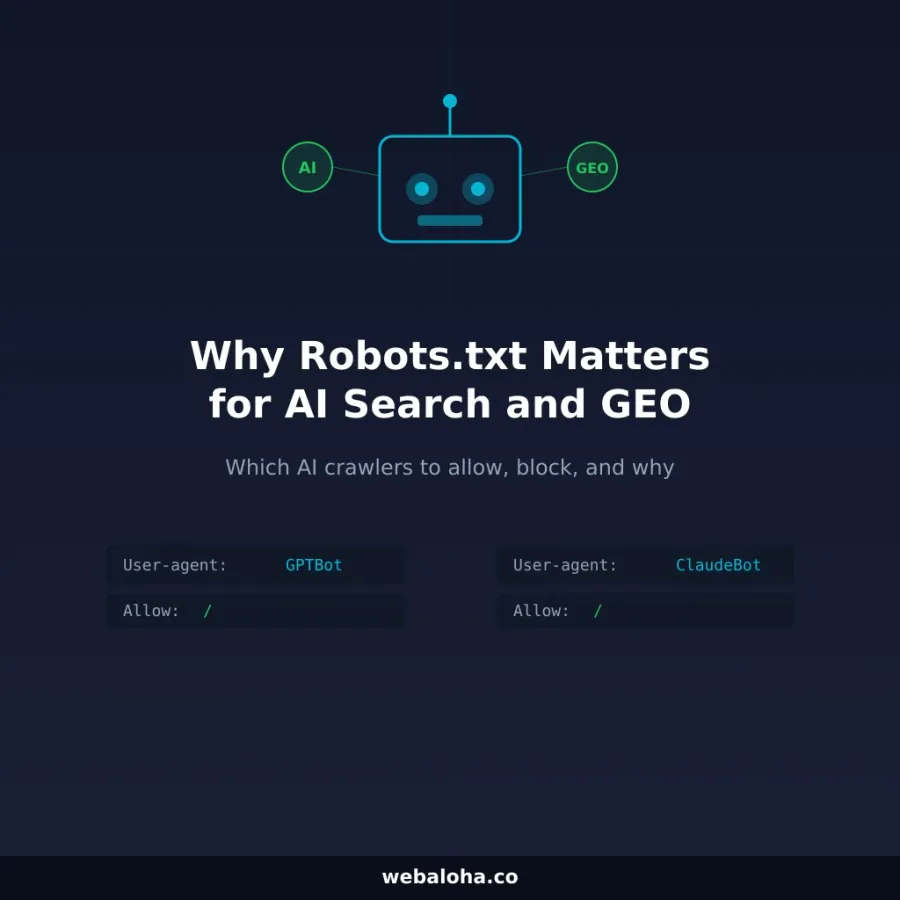
Read our guide to robots.txt and AI search for a full breakdown of the strategy.
Related Tools
- Robots.txt Tester & Validator, View and validate your full robots.txt file
- Robots.txt Generator, Create a properly formatted robots.txt with AI bot controls
- AI Search Visibility Checker, Broader technical AI search readiness screen
- llms.txt Checker, Check if a site has a valid llms.txt file
- llms.txt Generator, Create your AI content index file
- Schema Markup Validator, Check your structured data
Next steps
AI Crawler Tester related tools and articles
Continue with the closest follow-up checks and guides based on this tool's topic, crawl intent, and optimization workflow.

AI Crawler Tester: FAQ
What exactly does the AI Crawler Tester check?
Does Allowed mean an AI product will crawl or cite the page?
Why can different paths on the same site get different results?
What does the tool report when robots.txt is missing?
How are training, search, and user-triggered crawler tokens different?
What data is sent when I test crawler access?
How do I allow or block specific AI crawlers?
What are the limitations of this robots.txt test?
Free Website Audit
Not sure what to fix first on your own website? We'll review it and tell you, in plain English, within 48 hours. Free and non-obligatory.
Need Help With Your Website?
We help businesses build and optimize their online presence, let's talk.